
Jarvis Tab Management
One click to organize your entire browser. Whether you have 100, 500, or UNLIMITED tabs open, Jarvis brings order to the chaos.
Free
- Manage up to 10 tabs
- Basic tab grouping
- Memory usage display
- Single window mode
Pro
Pay once, yours forever
- Unlimited tabs
- Unlimited domains
- Group All / Ungroup All / Clear All
- Multi-window management
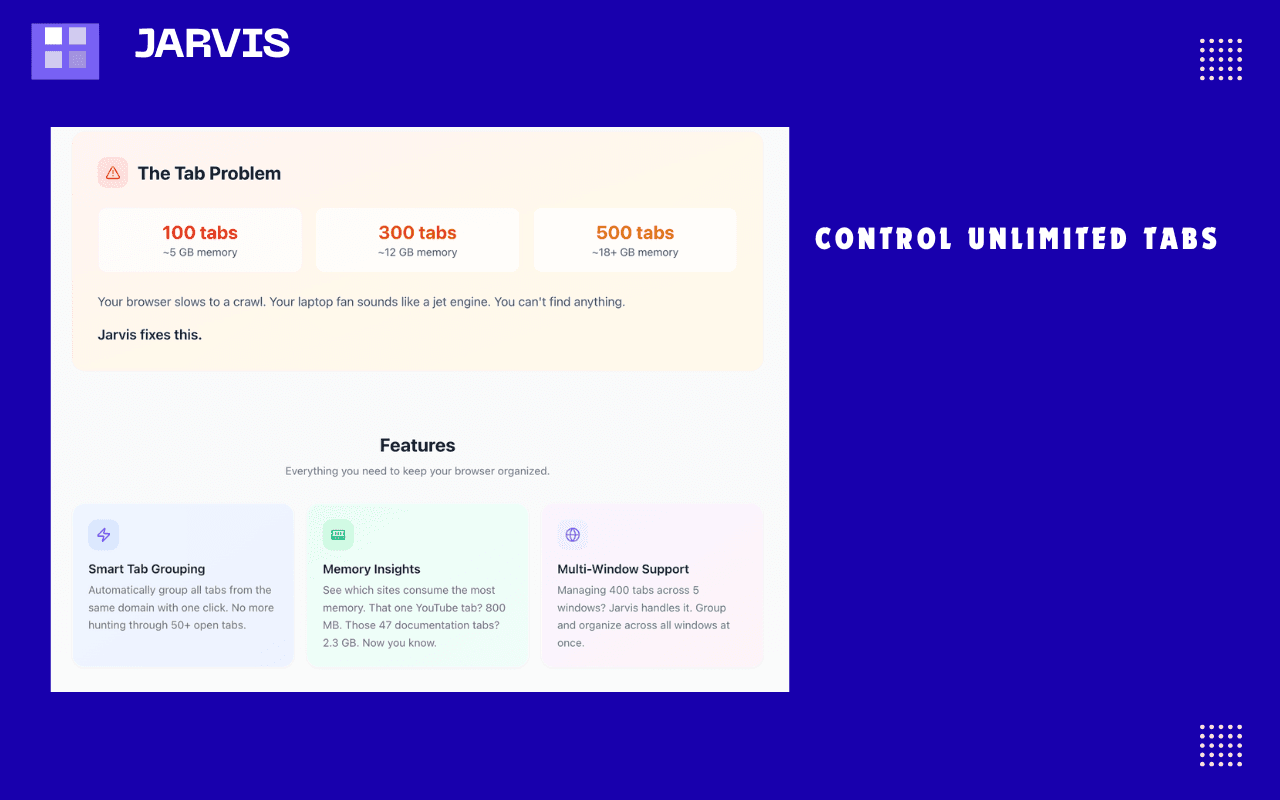
The Tab Problem
100 tabs
~5 GB memory
300 tabs
~12 GB memory
500 tabs
~18+ GB memory
Your browser slows to a crawl. Your laptop fan sounds like a jet engine. You can't find anything.
Jarvis fixes this.
See It In Action
Screenshots and video walkthrough

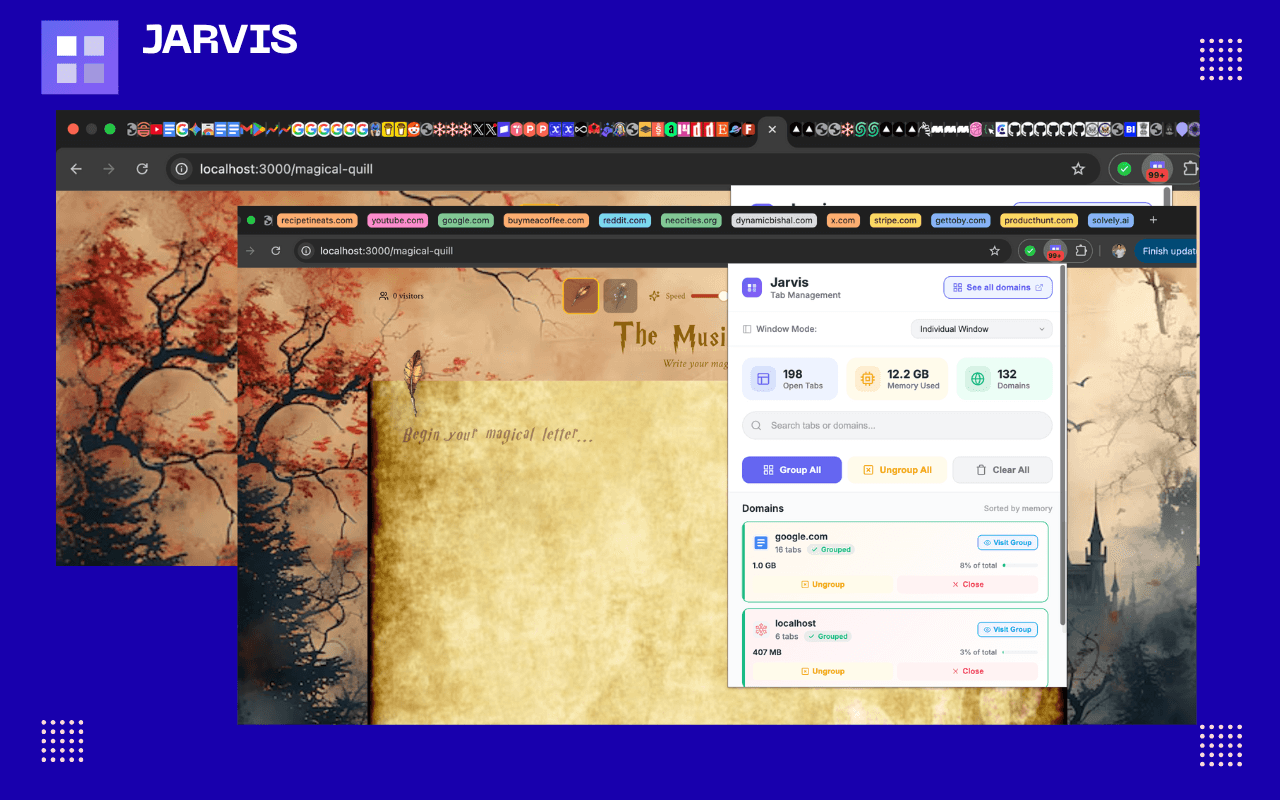
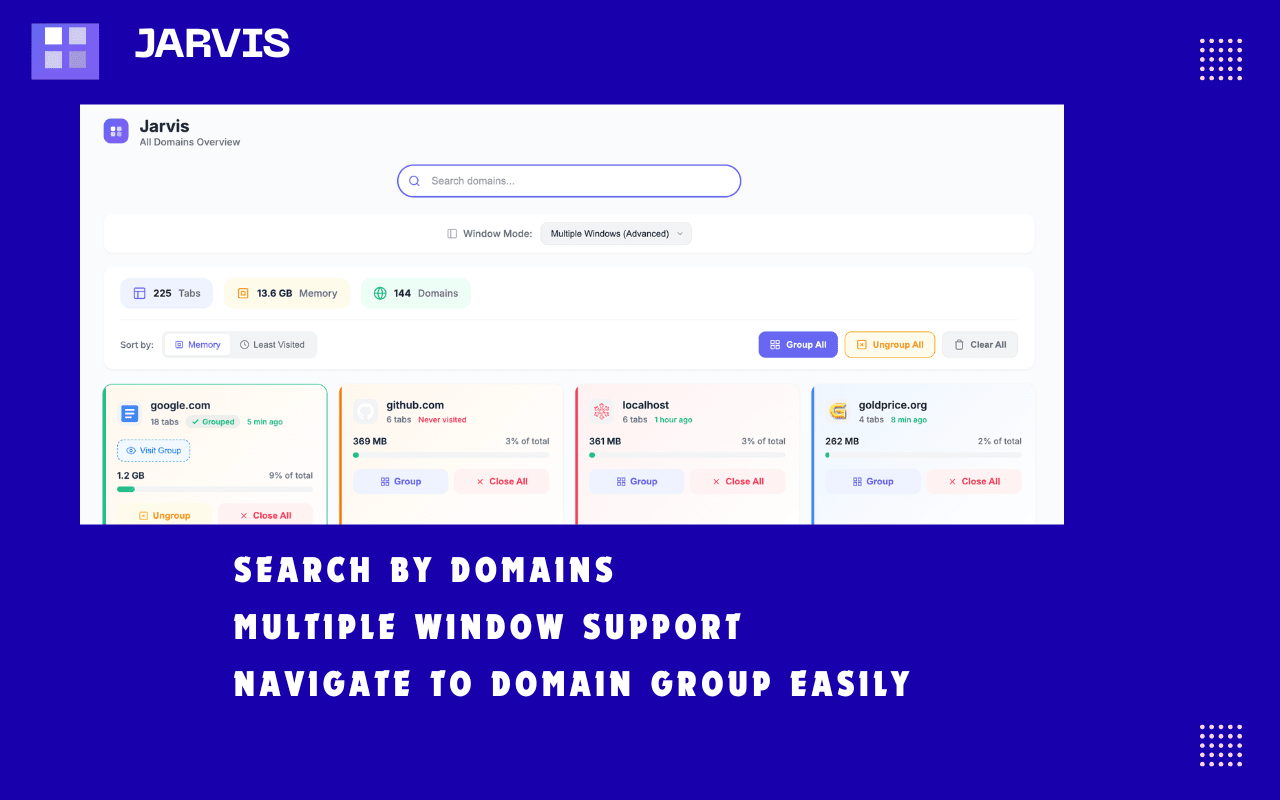
Clean, intuitive interface showing all your tabs organized by domain
Video Walkthrough
Features
Everything you need to keep your browser organized.
Smart Tab Grouping
Automatically group all tabs from the same domain with one click. No more hunting through 50+ open tabs.
Memory Insights
See which sites consume the most memory. That one YouTube tab? 800 MB. Those 47 documentation tabs? 2.3 GB. Now you know.
Multi-Window Support
Managing 400 tabs across 5 windows? Jarvis handles it. Group and organize across all windows at once.
How It Works
Get organized in seconds.
Click the Jarvis icon in your toolbar
Select either Individual Window or Multiple Window (Advanced) to see its effect on the current window or multiple windows
See all your tabs organized by domain with memory usage
Click "Group" to organize any domain's tabs
Click "Group All" to organize everything at once
Watch your tab bar transform from chaos to clean, collapsible groups
Safe & Private
Jarvis works entirely locally. Your browsing data never leaves your device. No tracking, no analytics, no cloud sync.
Read our Privacy Policy